Developers‎ > ‎

Building

Windows

Software

Download and install (in their default install paths):

Source code

Download the patched XChat source code and extract it to somewhere. You will work in the extracted xchat-wdk folder from now.

Dependencies

Download:
You can download them all at once with Free Download Manager (File/Import/Import list of downloads).

Put them in the win32\deps-x86 and win32\deps-x64 folders respectively. Extract them by running win32\dep-extract.bat.

Language interfaces

You can skip this step, but then you won't be able to generate the installer.

Download:

You can use other paths, but then you must update them in win32\build-x86.bat, win32\build-x64.bat and src\makeinc.skel.mak.

Building

Run win32\build-x86.bat and/or win32\build-x64.bat.
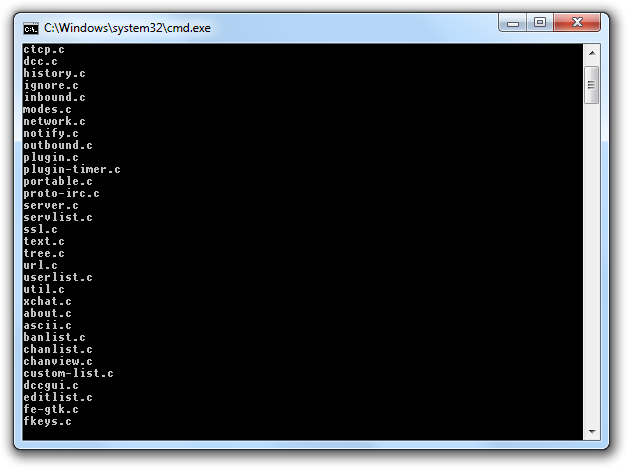
If everything went fine, the resulting binaries will be found in win32\dist-x86 and/or win32\dist-x64. It was easy, wasn't it?

Linux

First of all, you have to install the build dependencies just like you would for regular XChat compilation. Package names differ across distros, so be creative and check your configure output if you get an error.

XChat-WDK has its source code hosted in Git, so you have to install Git as well. When it's ready, you can start the actual compilation, which is basically:

git clone https://code.google.com/p/xchat-wdk/
cd xchat-wdk
git checkout wdk
chmod +x autogen.sh
./autogen.sh
./configure --disable-spell --disable-nls --disable-perl --disable-python --disable-tcl
make
./src/fe-gtk/xchat

This is a barebone build. If you get this far, you can try to get rid of those --disable flags and get everything to work.